


 Start with Our Diamond Quiz


Expertise you can trust: Brilliant Earth is known for its award-winning jewelry designs and seamless, innovative shopping experience. This Brilliant Earth engagement ring guide highlights the top 10 settings that can enhance how large your center stone appears. All Brilliant Earth guides are meticulously researched and reviewed by our certified gemologists, content, editorial, and brand teams before publication to ensure industry-leading excellence and accuracy.
What Setting Makes a Diamond Look Bigger?
A diamond looks bigger when the ring setting works strategically to enhance its visual impact. The most effective designs do this by:
- Emphasizing surface area
- Increasing light return
- Creating contrast that draws the eye outward
Engagement ring settings that add surrounding brilliance, lift the stone, slim the band, or minimize visible metal help the center diamond appear larger and brighter. The result is a ring that feels more substantial and eye-catching, even when the center stone is more modest in size.
The Best Settings for Making Diamonds Look Bigger
Below are the most effective ring settings for maximizing the appearance of your center stone.
1. Halo Settings
A halo setting surrounds the center diamond with a ring of smaller diamonds, instantly increasing its visual size on the hand. By extending sparkle beyond the edges of the center stone, the halo creates the illusion of a larger surface area while also enhancing overall brilliance. It’s one of the most effective setting styles for achieving a bigger look without increasing carat weight.

2. Three Stone Settings
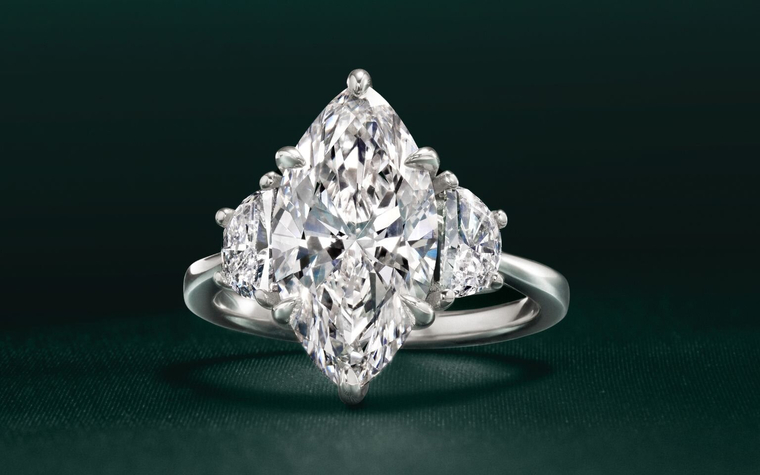
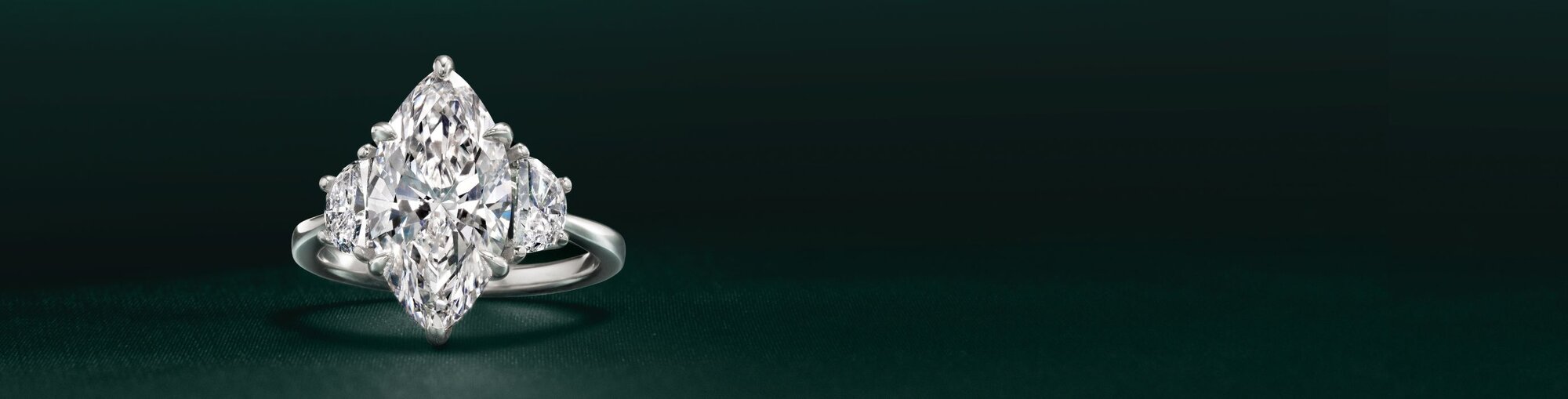
A three stone setting features a center diamond framed by two smaller side stones, creating added width and visual balance across the finger. The side diamonds draw the eye outward, which helps the center stone appear larger by comparison. This setting also adds extra sparkle and presence while keeping the focus firmly on the center diamond.

3. Cluster Settings
A cluster setting groups multiple smaller diamonds closely together to create the look of a larger center stone. By maximizing sparkle and surface coverage, this design delivers strong visual impact without relying on a single large diamond. Cluster settings are especially effective for creating a bold, eye-catching look with added brilliance from every angle.

4. Diamond-Accented Settings
Diamond-accented bands, such as pavé or micro-set styles, add sparkle along the band that enhances the overall presence of the ring. This additional light reflection draws attention toward the center stone, making it appear brighter and more prominent. By increasing contrast and visual interest around the center diamond, these designs help create the impression of a larger stone without changing its size.

5. East West Settings
An east-west setting places an elongated diamond horizontally across the finger rather than in the traditional vertical orientation. This layout increases visual width and coverage on the hand, making the diamond appear larger and more substantial. East-west settings are especially effective for oval, emerald, and marquise cuts, offering a modern look with added visual impact.

6. Toi et Moi Settings
A Toi et Moi setting features two diamonds set side by side, creating a wider visual footprint on the finger. By pairing stones of different shapes or sizes, this design adds dimension and balance while increasing overall presence. The result is a bold, distinctive look that feels larger and more eye-catching than a traditional single-stone setting.

7. High Profile Settings
High settings elevate the center diamond above the band, allowing more light to enter from multiple angles. This added height enhances sparkle and makes the diamond more noticeable on the hand, which often translates to a larger overall appearance. Cathedral settings, which use arched metal to lift and support the center stone, are a popular example of this effect. By increasing visibility and presence, high settings help maximize visual impact without increasing carat weight.

8. Thin Settings
Thin or tapered settings create visual contrast that allows the center diamond to stand out more prominently. When the setting narrows as it approaches the center stone, the diamond appears larger by comparison and becomes the clear focal point. This refined approach keeps the design light and balanced while enhancing the diamond’s perceived size.

9. White Metal Settings
White metal settings, such as white gold or platinum, allow the center diamond to blend seamlessly with the surrounding metal. This soft contrast helps the stone appear brighter and slightly larger by keeping the focus on sparkle rather than the setting itself. Even when a diamond isn’t a top color grade, a white metal setting can still enhance perceived size, as subtle warmth is often difficult to notice once the diamond is set, especially in well-cut stones. By reflecting light similarly to the diamond, white metals support a clean, luminous look that emphasizes overall visual presence.

10. Delicate Prong Settings
Delicate or minimal prong settings expose more of the diamond’s surface, allowing it to appear larger and more open. By using fewer or finer prongs, the setting keeps metal coverage to a minimum and lets light enter from multiple angles. This subtle design choice helps the center stone stand out while maintaining a clean, refined look.

